Cloud vs. Local Backup: Which Actually Stops Ransomware?
Cloud backup vs. local backup: a practical Florida small business guide to which strategy actually protects your data and files when ransomware strikes.
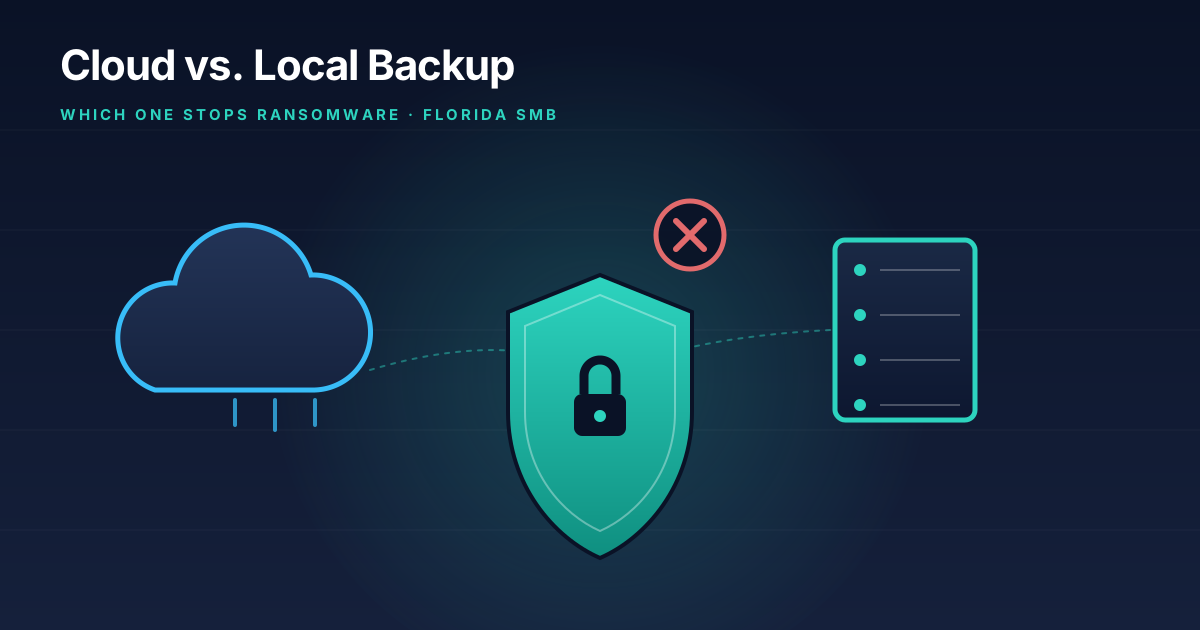
Here’s the uncomfortable truth: I’ve walked into more than one Plant City office where the owner proudly showed me their backup drive, plugged into the same computer it was backing up, sitting on the same desk. Ransomware doesn’t care that you have a backup if that backup is reachable from the infected machine. It’ll encrypt the original files and the backup in the same five minutes.
So when clients ask me “should I do cloud backup or local backup,” I get why they’re asking. It sounds like a simple either/or decision, like choosing between two phone plans. It isn’t. The real question is: what happens to your backup the moment ransomware starts spreading through your network? If you can’t answer that, you don’t actually know whether your backup will save you.
Let me walk you through how each option holds up, where they fall short, and what I’d actually set up for a small business in the Tampa Bay area.
How local backup actually performs against ransomware
Local backup means your data is copied to something physically near your business — an external hard drive, a network-attached storage (NAS) device, a second server in the closet. The appeal is obvious: it’s fast, you control it, and restoring a single file takes minutes instead of hours.
The problem is exposure. Modern ransomware doesn’t just encrypt the files on the machine it lands on. It crawls the network looking for anything else it can reach — mapped drives, shared folders, NAS devices, connected USB drives. If your backup device has a live network connection or stays plugged in around the clock, it’s a target, not a safety net. I’ve seen backup NAS devices get encrypted right alongside the primary file server because nothing separated them.
Local backup done right needs what’s called an “air gap” — meaning the backup is physically or logically disconnected from your network except during the actual backup window. That could be a rotation of external drives that get unplugged after each backup, or a NAS configured with immutable snapshots that ransomware can’t rewrite even if it reaches them. Done wrong, local backup gives you false confidence. Done right, it’s fast to restore from and doesn’t depend on your internet connection — which matters more than you’d think during hurricane season here in Florida, when your ISP might be down for days.
How cloud backup actually performs against ransomware
Cloud backup copies your data offsite, to a data center you’ll never see, over an internet connection. Because it’s offsite, it’s automatically air-gapped from a network compromise in a way a NAS sitting in your server closet isn’t — ransomware on your local network generally can’t reach into a cloud provider’s storage and start encrypting your backup history.
But “cloud backup” isn’t one thing, and this is where I see business owners get burned. There’s a real difference between a cloud backup product built for disaster recovery — with versioning, immutability, and point-in-time restores — and just syncing a folder to Dropbox or OneDrive. Sync tools are not backup. If ransomware encrypts a file in a synced folder, the encrypted version syncs right up to the cloud and can overwrite your good copy, or at best you’re now digging through version history under pressure hoping enough history exists. A real cloud backup solution keeps immutable, versioned snapshots specifically so that a ransomware event can’t touch or delete your restore points.
The tradeoff with cloud backup is restore speed. Pulling terabytes of data back down over a business internet connection takes time — sometimes days for a full server restore, depending on your bandwidth. If your business can’t function for that long, that gap matters.
Why I tell almost every client to do both
This is the part that surprises people: the answer to “cloud or local” is almost always both, just structured correctly. It’s called the 3-2-1 rule, and it’s been the industry standard for backup for a long time because it actually holds up:
- 3 copies of your data — the original, plus two backups
- 2 different types of media or systems — for example, a local NAS and a cloud backup service
- 1 copy offsite — so a fire, flood, theft, or hurricane at your physical location can’t take out every copy at once
In practice, for a 10-person Florida business, that usually looks like: a local NAS with immutable snapshots for fast day-to-day restores (someone accidentally deletes a folder, you get it back in two minutes), plus a cloud backup service that captures everything offsite on an automated schedule with enough version history to survive a ransomware event that goes undetected for a few days. If your local copy gets hit, the cloud copy wasn’t touched. If your internet is down after a storm, you’re not stuck waiting on a cloud restore to get back to work.
What ransomware recovery actually looks like without a real backup
I want to be specific here because “we have backups” is one of those phrases that sounds reassuring until you test it. A client came to me after a ransomware infection with a sinking feeling — their backup software had been silently failing for three weeks, and nobody noticed because nobody checked. The backup existed. It was just backing up nothing.
Without a working, tested backup, your options after a ransomware hit are grim: pay the ransom and hope the decryption key actually works (it often doesn’t, or it’s painfully slow), or rebuild everything from scratch. Both are expensive. Both cost you far more in downtime, lost trust, and rebuilding effort than a properly configured backup would have cost over years.
This is also where I’ll bring up something most backup conversations skip: backups only count if you’ve tested a restore. Not “the backup job says success.” An actual test restore, on a schedule, so you know for certain that when you need it, it works. If you haven’t tested a restore in the last few months, you don’t actually have a backup — you have an assumption.
What I’d set up for a small business in Tampa Bay
If you’re starting from nothing, here’s the order I’d tackle this in:
- Get a real cloud backup product running first. Not sync software — an actual backup service with versioning and immutable snapshots. This closes your biggest gap immediately.
- Add local backup for speed, ideally with immutable snapshots on the NAS itself so even a local ransomware event can’t wipe your recent restore points.
- Set a testing schedule. Quarterly, at minimum, actually restore a file or a full system to confirm the whole chain works.
- Factor in hurricane season. If your local backup requires power and internet to restore from, and both are down after a storm, your cloud copy is what gets you running again from a different location or a rebuilt system.
None of this needs to be complicated or expensive to do correctly — it needs to be set up once, correctly, and then left alone to run without you having to think about it. That’s the whole point of managed backup: it’s insurance you forget about until the day you desperately need it, and on that day it either works or it doesn’t.
If you want a second opinion on what you’ve currently got — or you’re pretty sure your “backup” hasn’t been checked since whoever set it up left the company — that’s exactly the kind of thing I look at during a free consultation. I’ll tell you plainly whether what you have would actually survive a ransomware event, and if it wouldn’t, what it takes to fix that. You can also read more about our data backup and disaster recovery services, or check out my earlier post on hurricane-season IT disaster recovery if storms are your bigger concern right now.
Either way, don’t wait until the ransom note is on the screen to find out which kind of backup you actually have.
Tags: #backup#ransomware#disaster recovery#small business#florida#data-protection
Need help with this in your business?
Bearded Bytes provides on-site IT support, cybersecurity, and managed services across Plant City and the Tampa Bay area. Book a free consultation.
Talk to Brendan →